Auto Repair Shop Software: Work Orders and Maintenance Reminders
A shop that runs on memory and paper often loses money without realizing it. An invoice goes missing, no one remembers what was done to Tuesday's car, and the customer who was supposed to come back in six months never got a reminder. This article explains how to organize your shop's work with an online system, what it should include, and how to use maintenance reminders to keep your customers coming back.
Why Paper and Memory Cost You Customers
When each vehicle's history lives in a notebook, the information depends on whoever was at the front counter that day. If a customer asks what was replaced a year ago, the answer takes time or doesn't exist. If a mechanic finishes a service and no one records the mileage, the next maintenance visit is left without a date.
The result is twofold: the customer feels the shop isn't keeping track, and the shop loses revenue from services that should have been theirs.
What a Shop Management System Should Include
Before choosing software, check whether it covers the complete work cycle:
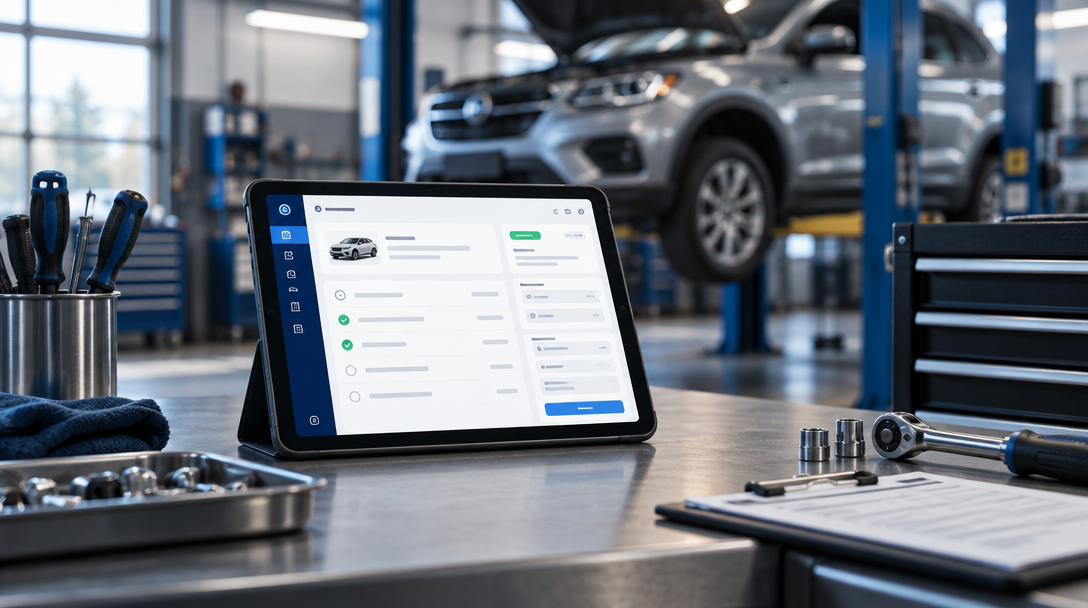
- Work orders with clear statuses: received, diagnosis, in progress, ready, and delivered. That way, anyone on the team knows what stage each car is in.
- Complete history for each vehicle: previous services, parts used, and inspection photos.
- Quotes that become work orders with one click: the customer approves, and the work begins without retyping everything.
- Inventory with low-stock alerts: so a job never stalls for lack of a filter.
- Payment and deposit tracking: so you know what has been collected and what is still outstanding.
Preventive Maintenance Reminders
This is where a shop wins back customers it already had. A good system calculates when each vehicle is due for its next maintenance, by mileage or by time, whichever comes first. With that date, the shop can send a reminder via WhatsApp.
A timely reminder has three practical effects:
- The customer is notified before the problem gets bigger.
- The shop schedules the service days in advance, not at the last minute.
- The customer feels the shop remembers their car.
How to Choose the Software
Ask any vendor these questions:
- Does it work on a phone, tablet, and computer without installing anything?
- Can it schedule appointments online and check availability by day and by service bay?
- Does it let customers check the progress of their vehicle's inspection in real time?
- Does it send maintenance reminders via WhatsApp?
- Can it manage multiple shops from a single account, if you have more than one location?
- Who maintains the system, and are updates and support included in the monthly fee?
How to Get Started
You don't need to change your entire shop overnight. Start with work orders and vehicle history. Once your team is in the habit of recording every service, turn on maintenance reminders. That way, every car that comes in leaves behind useful information for the next reminder.
Conclusion
An organized shop retains its customers because it shows them control, history, and attention. If you'd like to see how this would work in your shop, message us on WhatsApp at +503 6896 0231 and we'll walk through it with your real data.